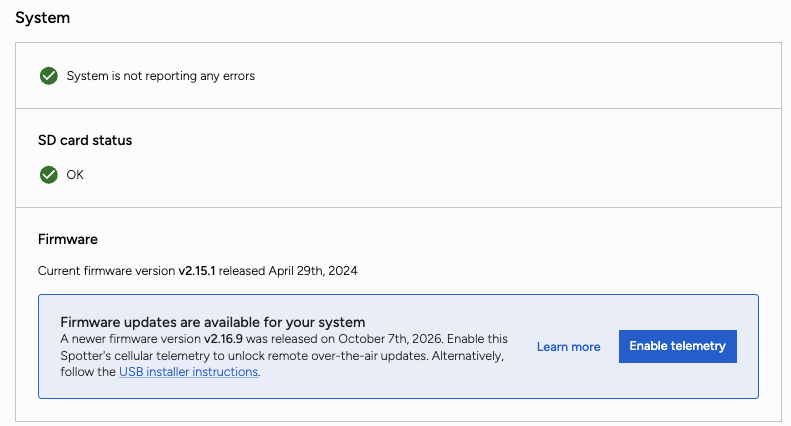
Keeping ocean instruments up to date often requires a boat trip offshore. However with the new over-the-air (OTA) firmware updates now available in the Spotter Dashboard, customers can update eligible Spotters over cellular without recovering the buoy or contacting support to initiate the process. It's a simpler way to bring the latest features, performance improvements, and fixes to equipment already in the water.
A firmware update no longer needs to become a field operation. For eligible deployed systems within cellular coverage, you can start an update from your browser instead of arranging vessel time, coordinating a crew, or waiting for the next recovery window. Your equipment can stay deployed while you keep it up to date.
OTA updates extend beyond the buoy all the way down to supported Bristlemouth subsurface nodes connected through Smart Mooring. Behind the scenes, the system builds an update plan for your configuration and manages the required firmware versions, intermediate upgrades, and update sequence automatically. You don't need to work out which component to update first or manually coordinate each step.
The update runs over cellular while your Spotter stays in the water. A few things to know before you start:
OTA updates are available for v3 Spotters with an active subscription and a good cellular connection. Open your Spotter's Status tab and look under System → Firmware. The Dashboard recommends the update path for your device. If a remote update is available, select Get started, then Start update, and follow its progress on the page. Leave your Spotter and its settings unchanged while the update runs.